



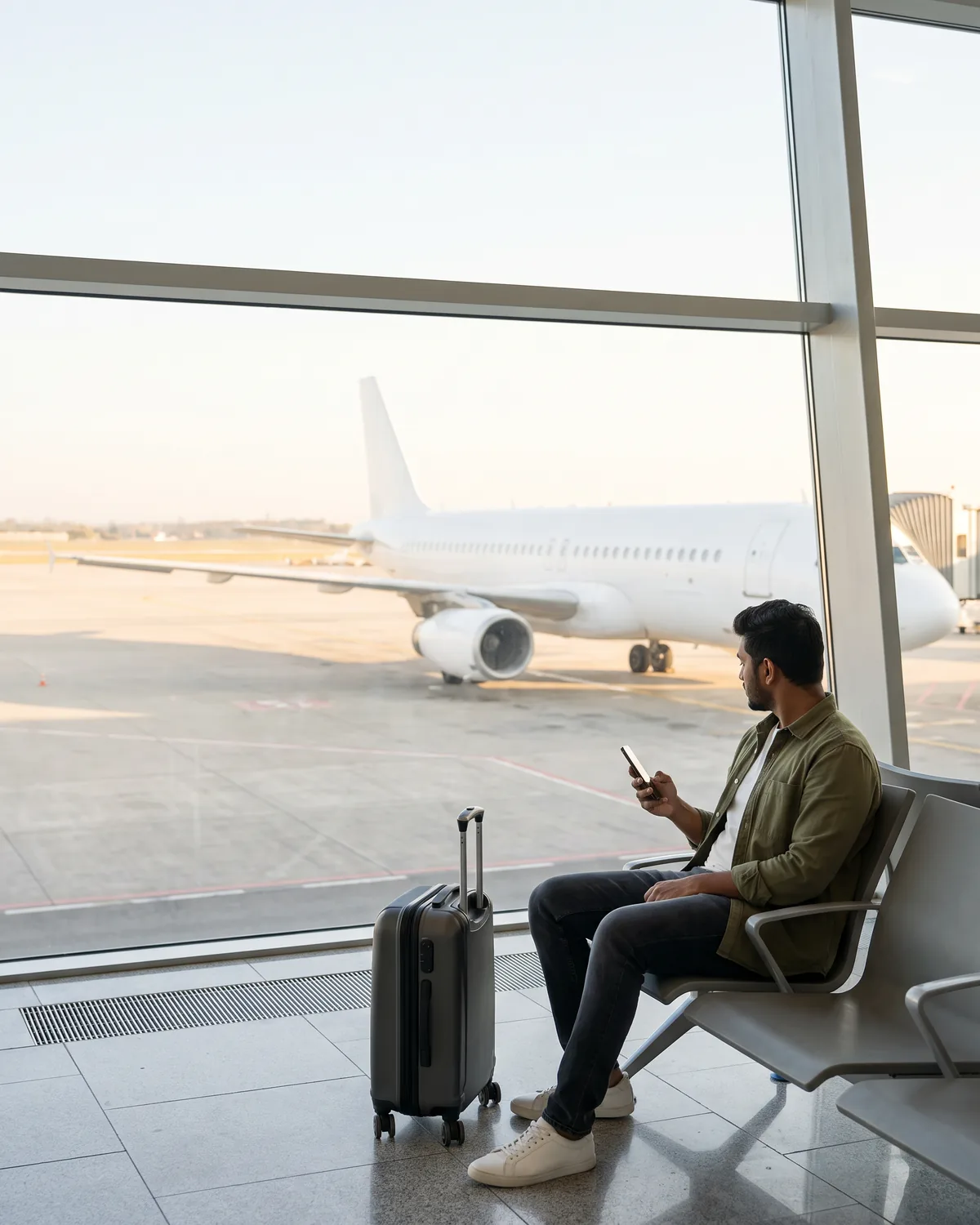

Travel eSIM for 205+ countries
Data plans from €0.89 that connect the moment you land. Search your destination, pick a plan, and see the price per GB before you pay. Your number stays the same.
Money-back guaranteeNo account neededApple Pay, Google Pay, crypto
Check phone compatibilityPopular eSIM destinations
Tap a country for plans, coverage and live pricing - or browse all 205+ destinations.






Regional eSIM plans
One eSIM, many borders. Regional plans keep you connected across a whole continent on a single eSIM, with no swapping and no buying again.


How a travel eSIM fits your trip
Three moments, about a minute of setup in total.
1Before you fly
Install on Wi-Fi
QR code by email in seconds, or one tap in the app.
2When you land
Connect by itself
The plan starts on first connection, not at purchase.
3During the trip
Top up mid-trip
Add data in the app, on plans that take a top-up. No new QR code.
Buy anywhere, manage it in the app
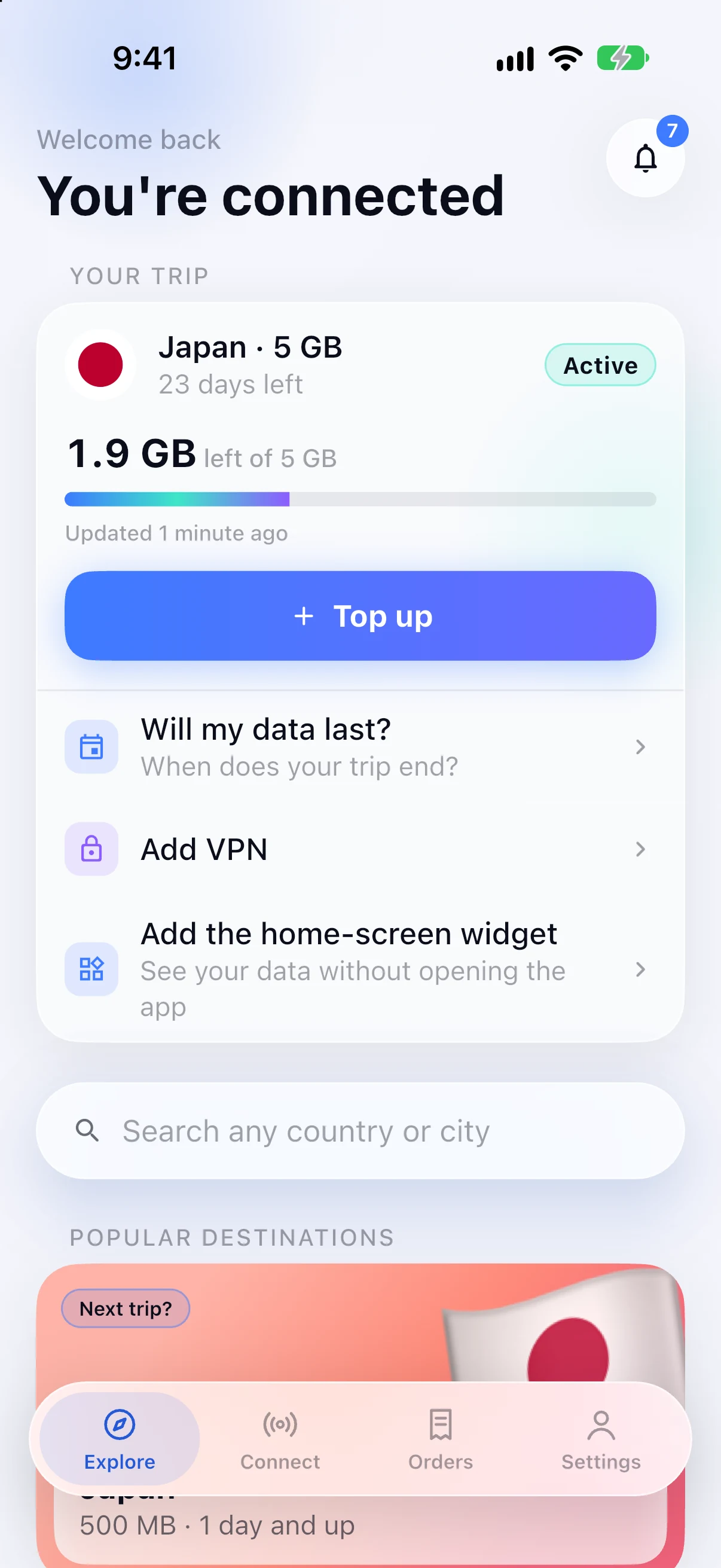
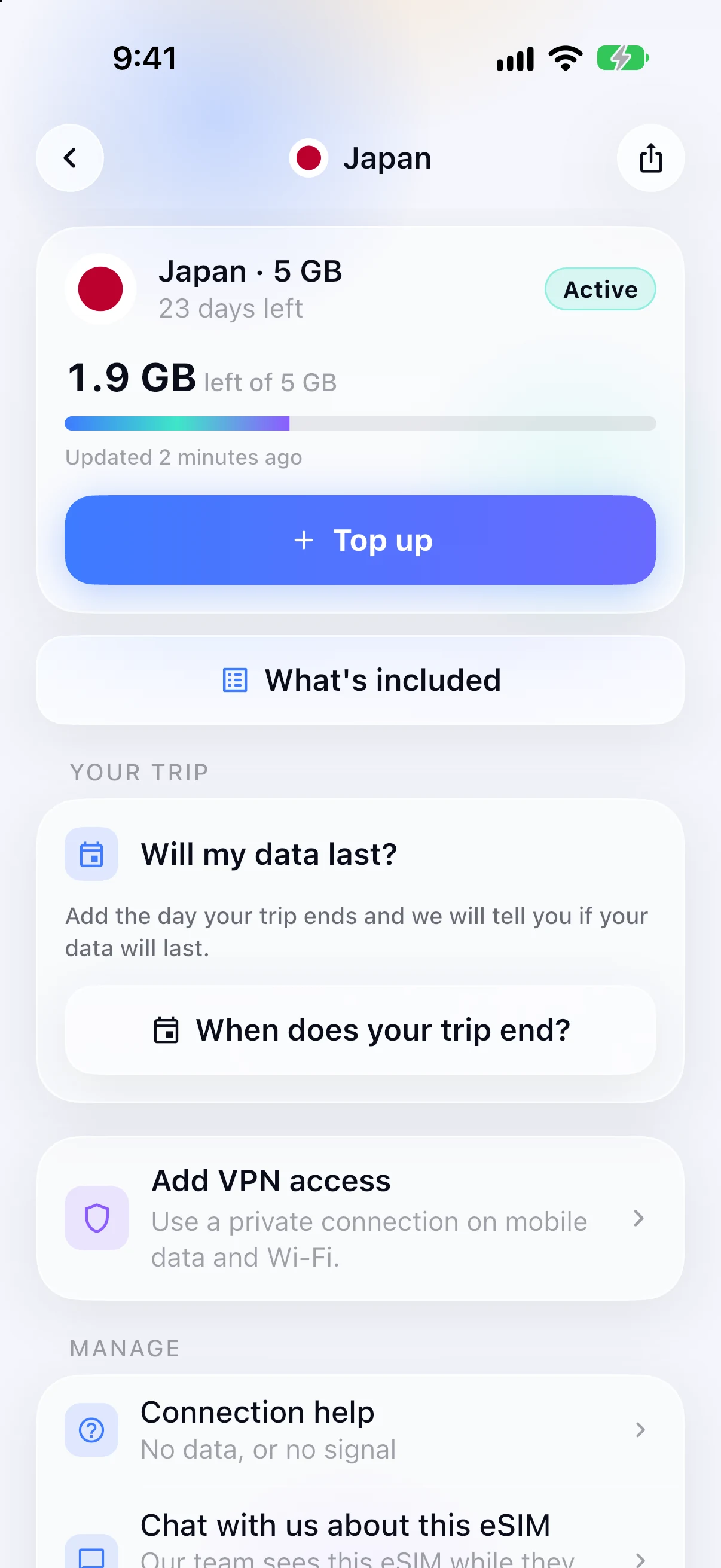
You never need the app to buy an eSIM. You will want it afterwards: live data usage, quick top-ups on plans that take them, and every eSIM you own in one place.


Frequently asked questions about eSIMs
An eSIM is a digital SIM profile you install from a QR code, with no plastic card to insert. Buy a plan, install it over Wi-Fi before you fly, and it connects when you land. Your home SIM stays in the phone, so your own number keeps working. How eSIMs work, in full →
Search your destination on simfuse.app or in the SimFuse app, pick a plan and pay by card, Apple Pay, Google Pay or crypto. You do not need an account. The eSIM arrives by email within seconds as a QR code, or installs with one tap in the app. Install it on Wi-Fi before you fly: the plan only starts when it first connects at your destination.
Check your exact model and regional version in the compatibility guide, then look for 'Add eSIM' in your phone's settings. The phone also has to be carrier-unlocked. Brand and release year are not enough on their own, because some regional versions of an eSIM-capable model ship without it. Check your exact phone model →
Open Settings → Cellular or Mobile Data → Add eSIM, then scan the QR code from your confirmation email while on Wi-Fi. It takes about two minutes. Install before you fly: the clock starts when you first connect at your destination, not when you install. Step-by-step install guide →
On arrival. The clock starts when the eSIM first connects to a network inside the plan's coverage, not when you pay and not when you install, which is what makes installing at home over Wi-Fi safe. Buy ahead if you like, and connect for the first time within a year of purchase.