










The eSIM app that shows your data live
The SimFuse app is free on iPhone and Android. Buy data plans for 205+ countries, install an eSIM in about two minutes, then watch your usage live and, on plans that take one, top up without a new QR code.


Free to install. You pay only for the data plan you choose.


 +12 more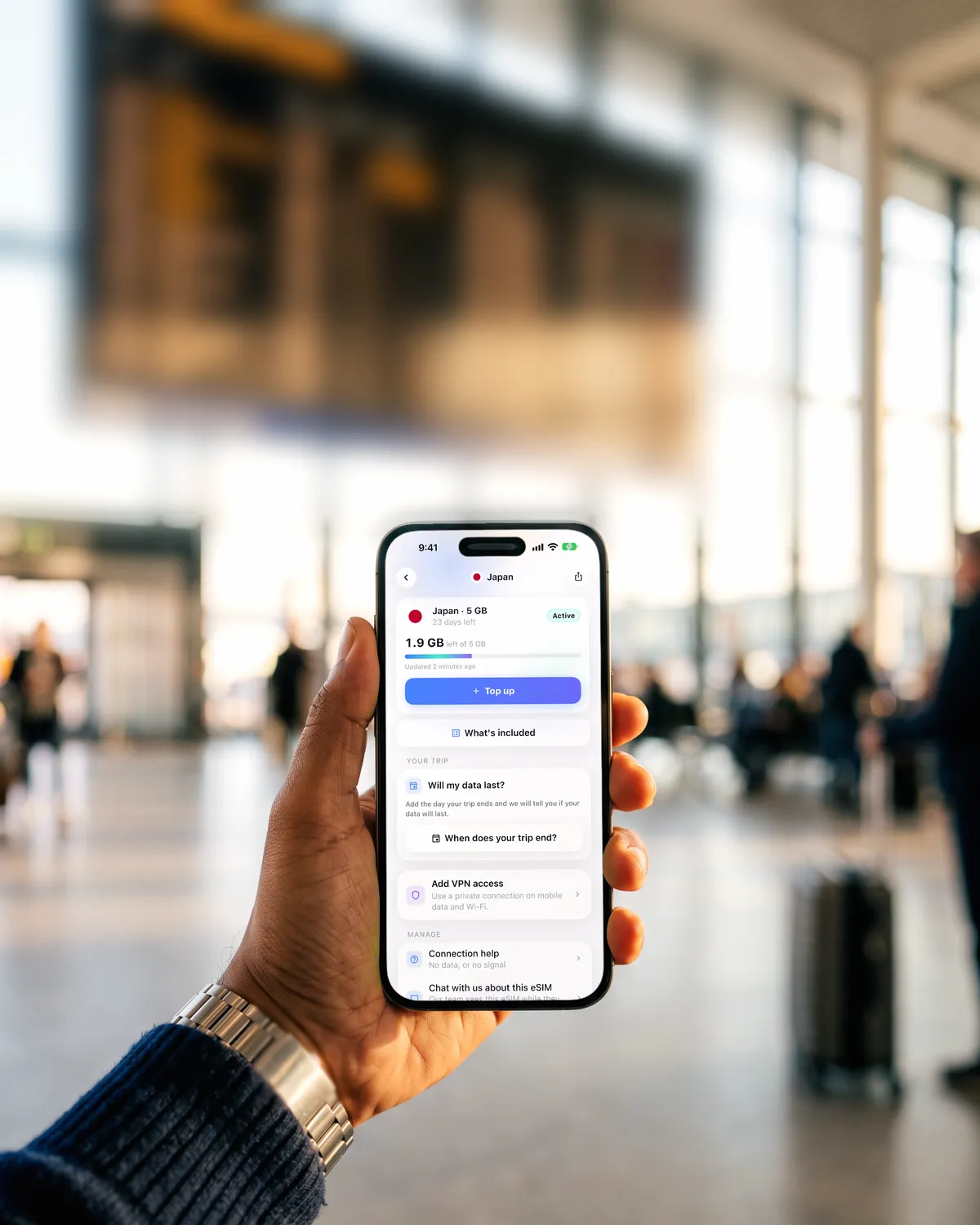
- countries and regions
- 205+
- languages, following your phone
- 32
- from purchase to installed
- ~2 min
- to install, no subscription
- Free
What the app does that this website does not
What makes an eSIM easier to live with once you have one, plus an optional VPN.
Your data left, live
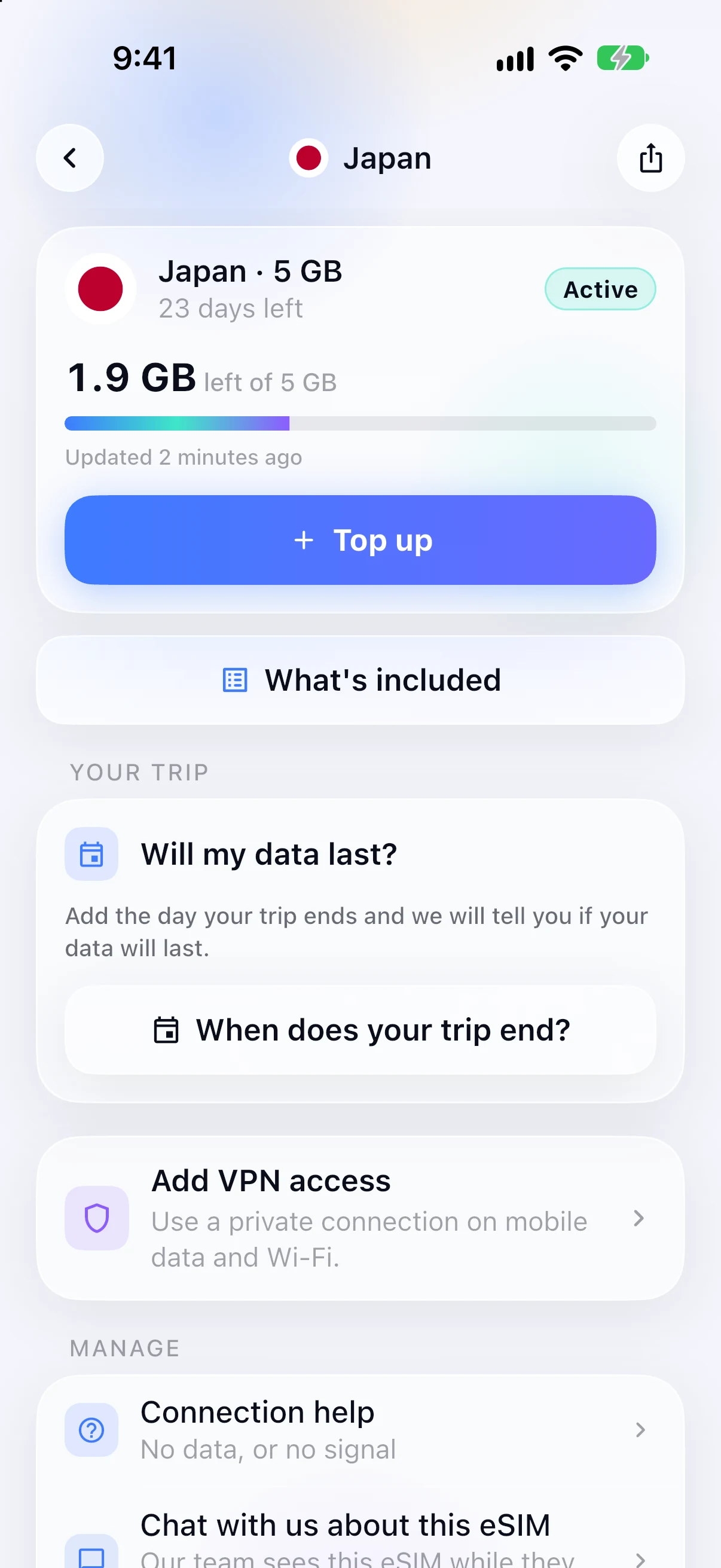
See what is remaining without opening an email or signing in on a browser. The figure comes from the network, not from an estimate of what you have probably used.
- A warning before you are cut off
- Every eSIM in one place
- Home-screen widget, so you do not even open the app
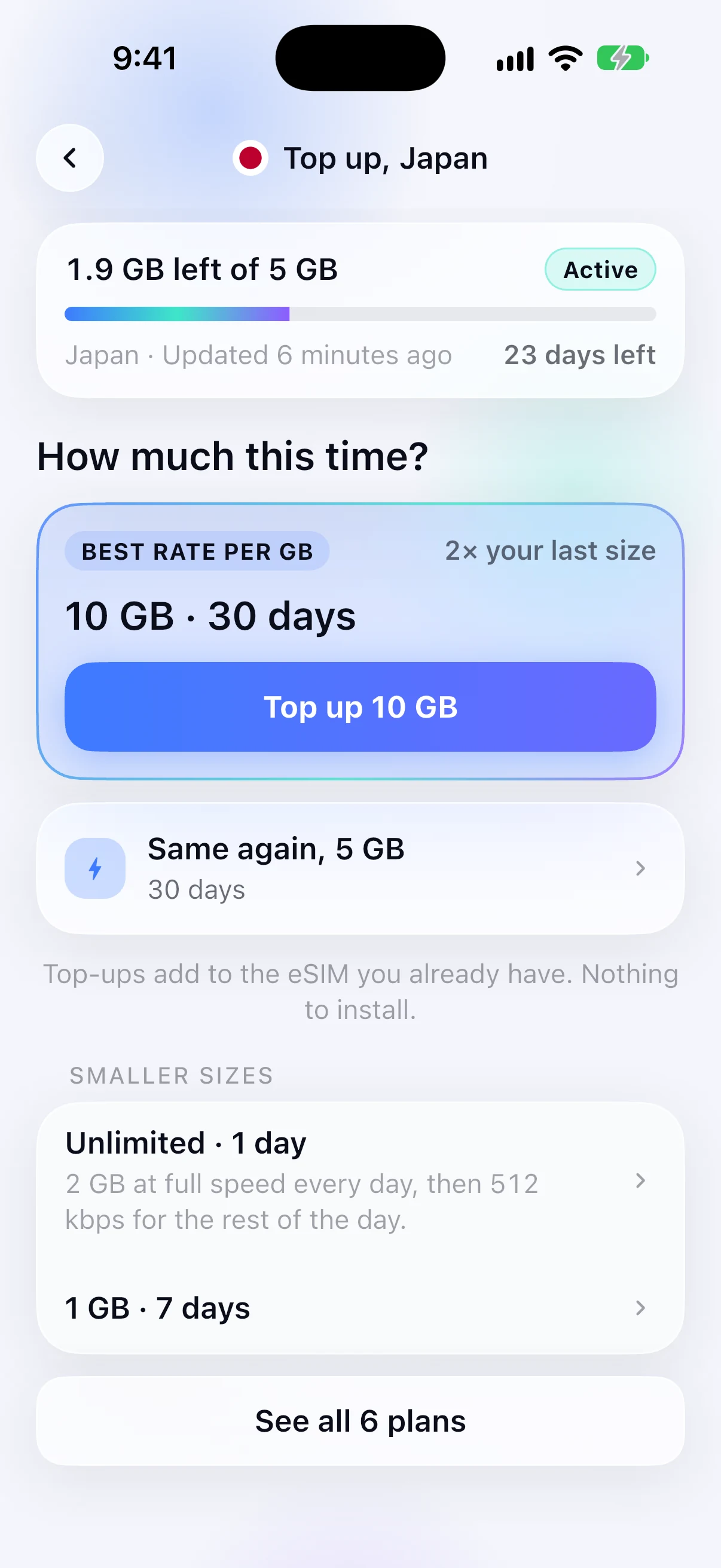
Top up in two taps
On plans that take a top-up, add data to the eSIM that is already installed. No reinstall and no second QR code. Each top-up option says what it does to the plan you are on.
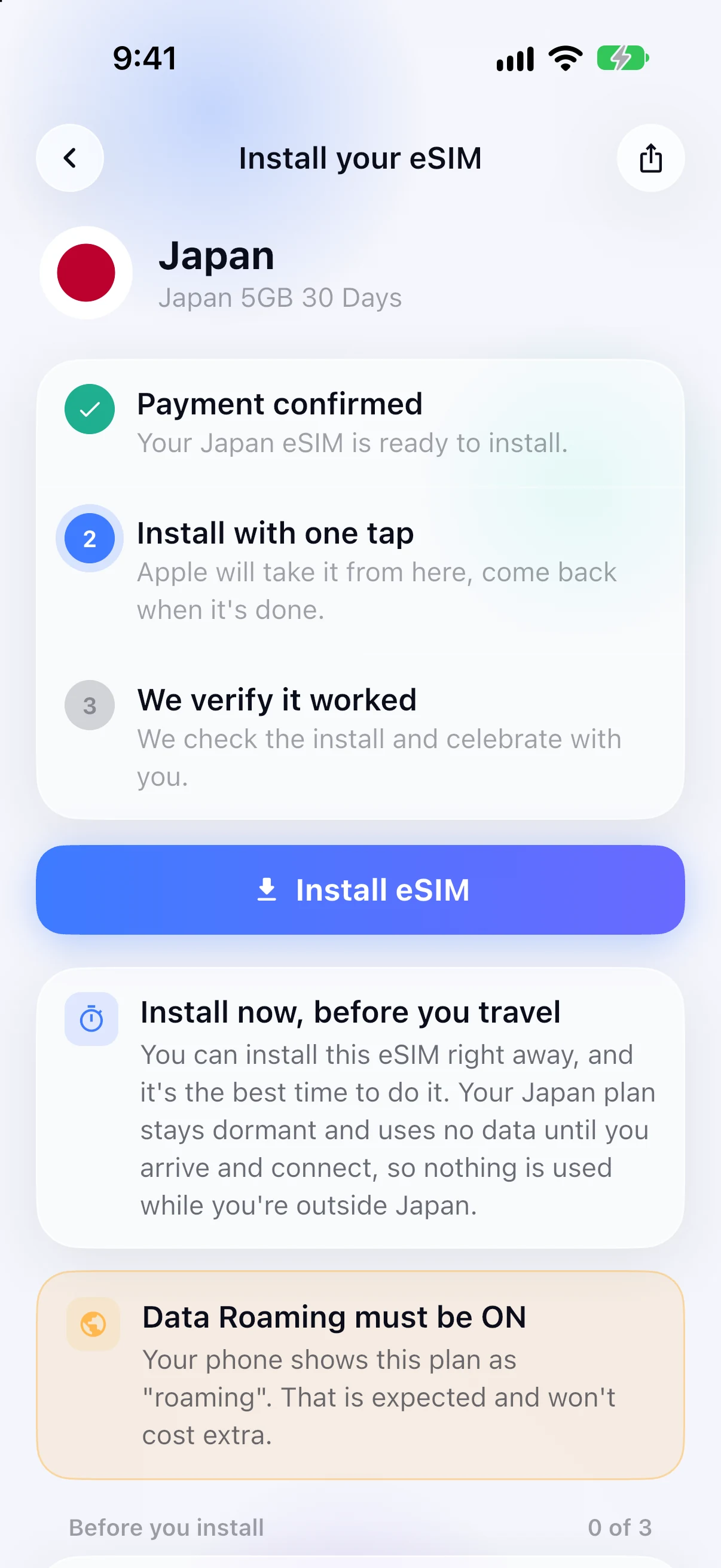
One-tap install, checked
The app walks you through it and confirms the install worked.
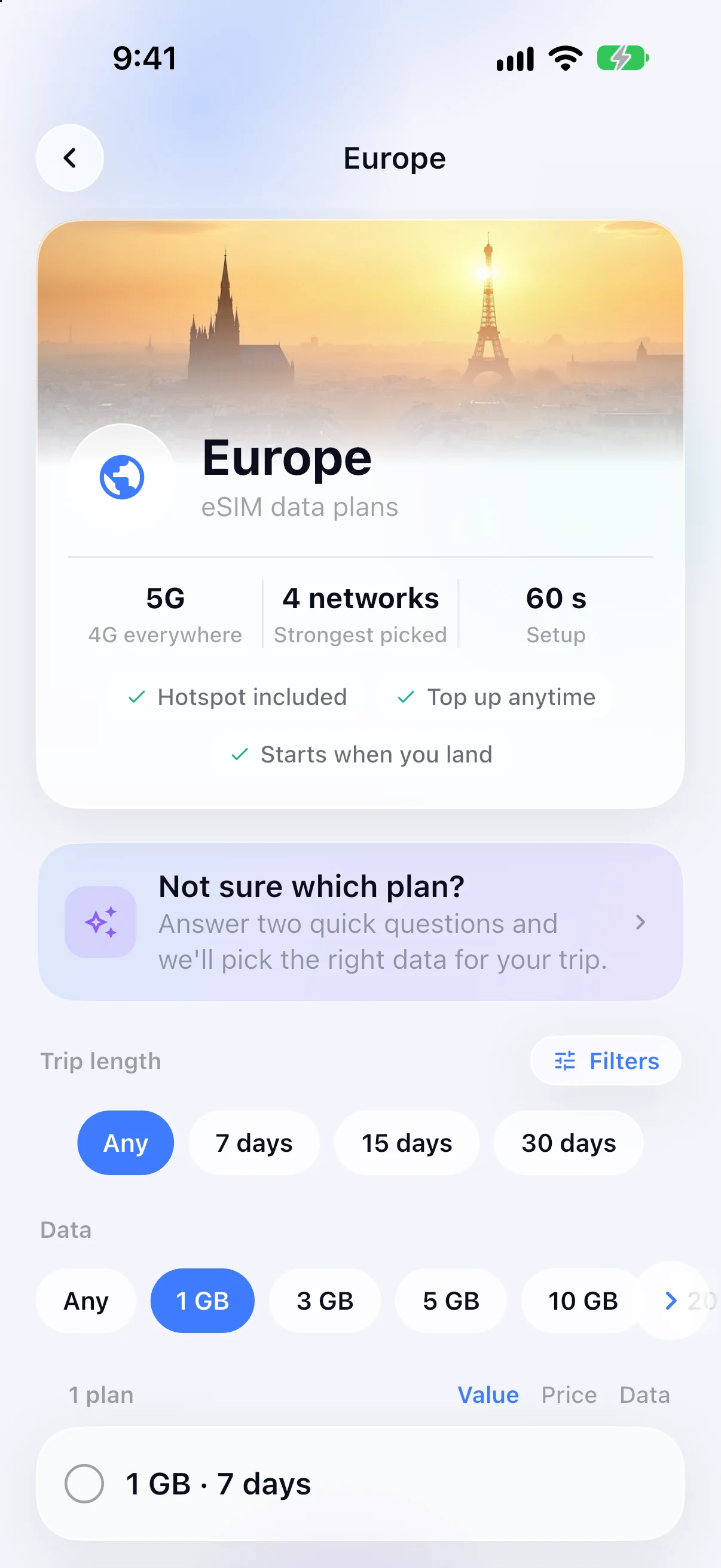
The right plan for every trip
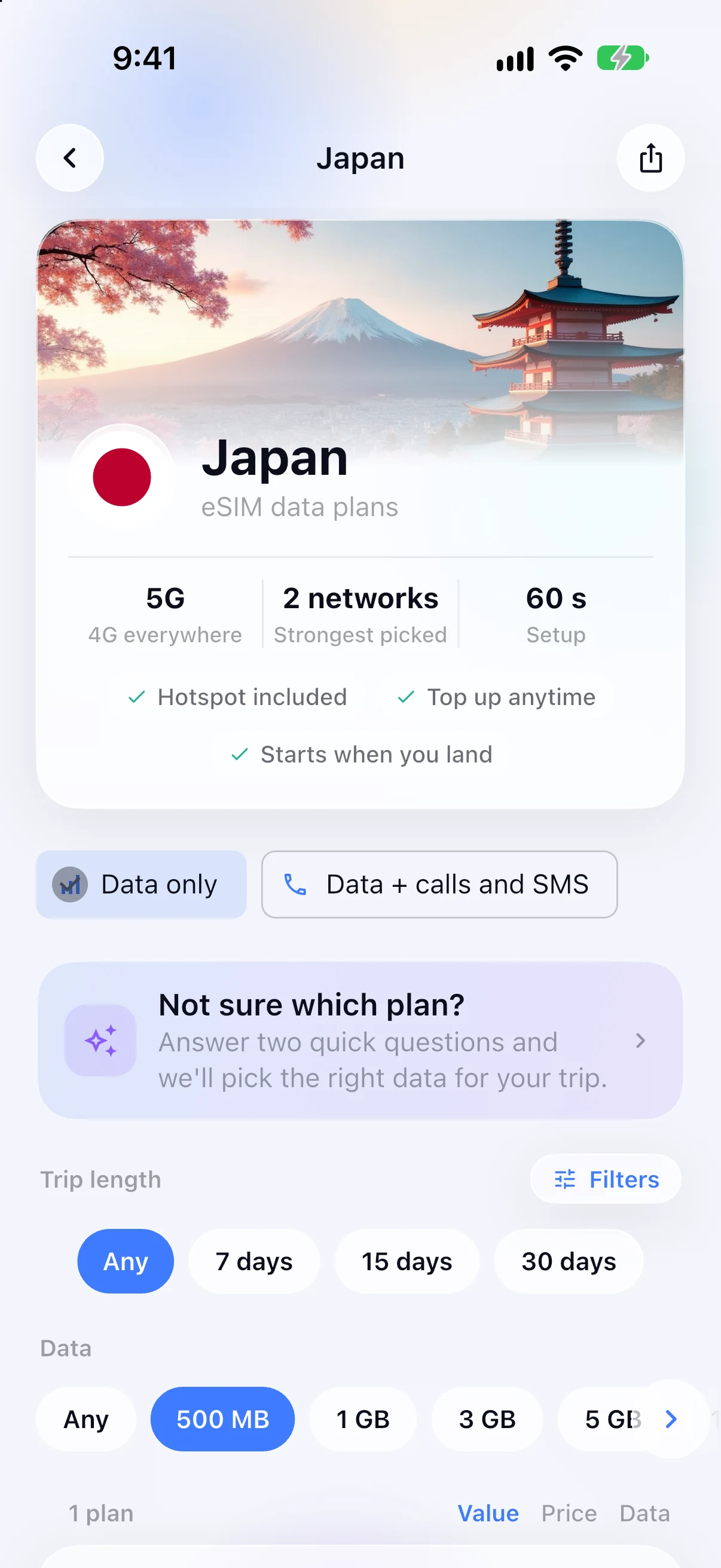
Filter by trip length and data, or answer two quick questions and let the app pick. Country and regional plans sit in one list.
Browse destinations →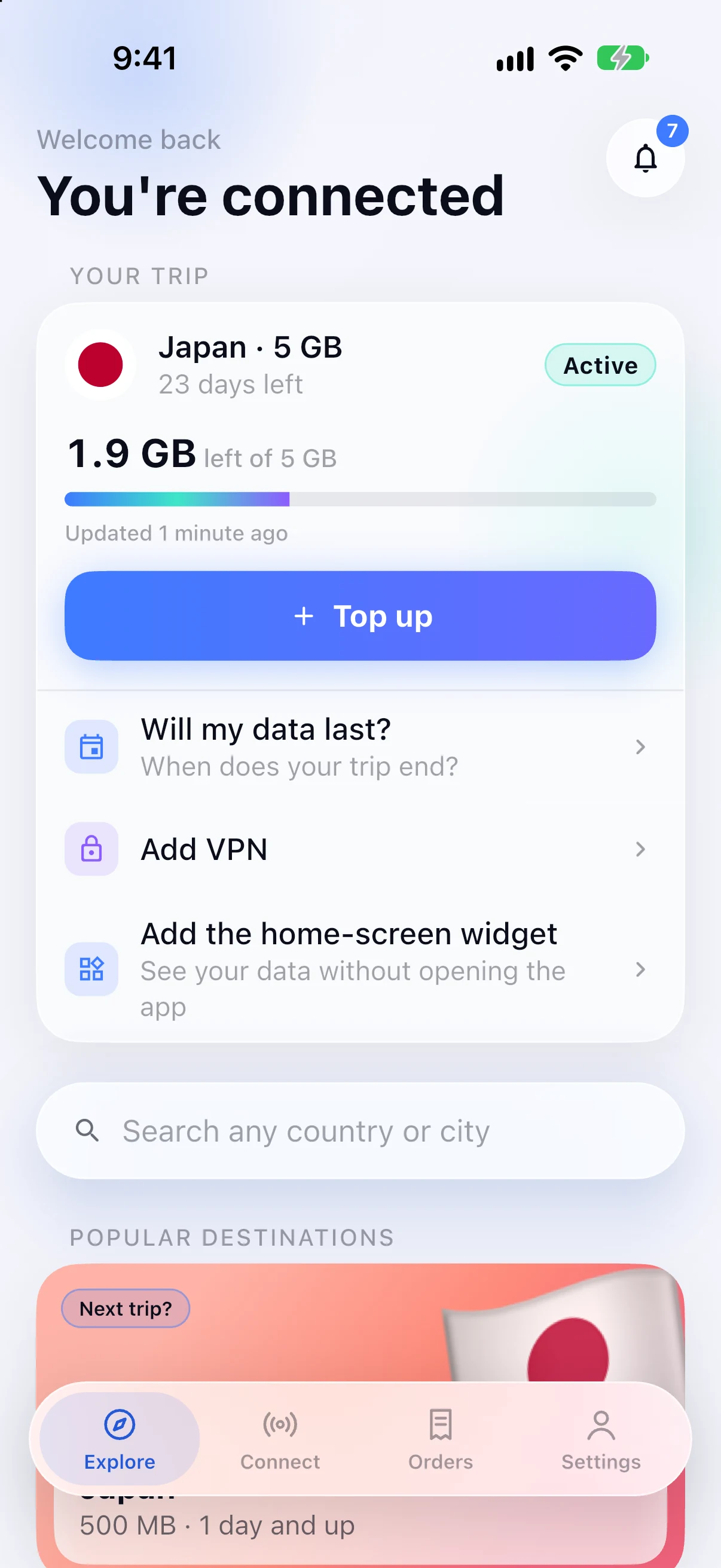
Speaks your language
32 languages. It follows your phone's setting, so there is nothing to choose.
- English
- Español
- Deutsch
- Français
- 日本語
- 한국어
- العربية
- +25 more
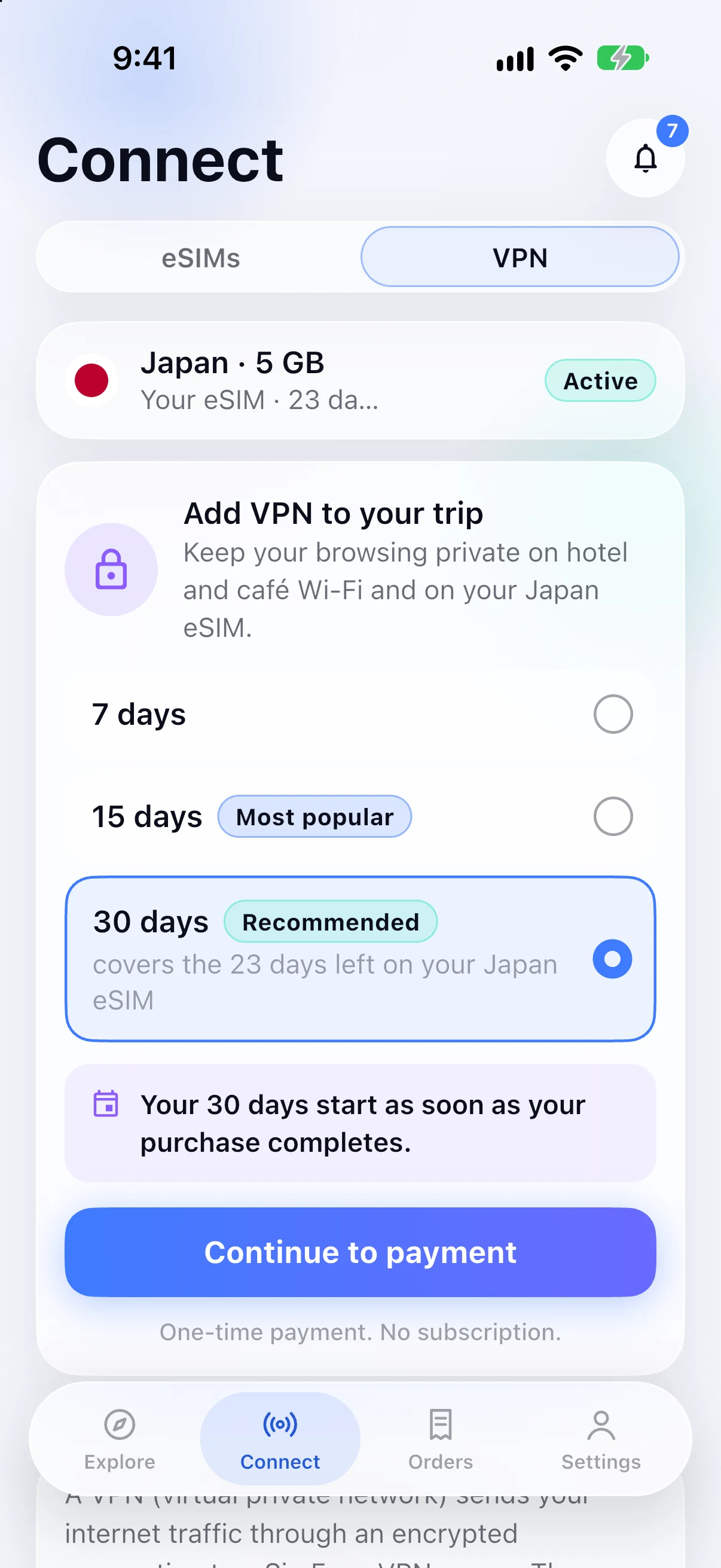
A VPN for the whole trip
Keep your browsing private on hotel and café Wi-Fi, on your SimFuse eSIM and on your home SIM. Add it when you pay for your eSIM, or later in the app, for the days you need.
- One payment, nothing renews
- Pick a location, or take the one the app recommends
- Runs alongside your SimFuse eSIM
Online from the gate to the last night
No SIM swaps, no airport kiosks, no hunting for Wi-Fi. Your home number keeps working next to it.



Connected in three steps
From download to online in about two minutes.
- 1
Download the app
Free on the App Store and Google Play. Bought on the web already? Sign in and your eSIMs are there.
- 2
Pick your destination
Choose a country or region and a plan. Pay with Apple Pay, Google Pay or card.
- 3
Install before you fly
One tap installs the eSIM. It starts when you land, so nothing is used at home.
You do not need the app to buy
Every plan on this site works in a browser, and your QR code arrives by email either way. The app is not a gate on buying. It is where managing an eSIM gets easier once you have one.
Get your eSIMWill I lose my phone number?
No. Your home SIM stays in the phone and keeps your number, so calls, SMS and WhatsApp carry on as normal. The SimFuse eSIM is a second line for data, plus calls or texts only on plans that list them. Nothing about installing the app changes which number you are reachable on.
Does my phone support eSIM?
Most iPhones from the XR onward and most flagship Android phones from 2020 onward do, but carrier-locked and some region-specific models do not. Check yours before you install anything.
Check whether your phone supports eSIM →Frequently asked questions
No. You can buy any plan on this website and install it from the QR code that arrives by email. The app is for watching your data afterwards, and for topping up on plans that take one.
Yes. Installing it costs nothing and there is no subscription. You pay only for the data plans you choose to buy.
No. The eSIM is installed on the phone itself, not inside the app. Deleting the app leaves your data connection running. You just lose the easy way to check usage, and to top up where your plan allows it.
Yes, on plans that take a top-up, and each plan says whether it does. A top-up adds data to the eSIM already on your phone, with no second QR code and nothing to remove and set up again.
32, including Arabic, Japanese, Korean, Turkish, Hindi and both written forms of Chinese. It follows your phone's language setting, so there is nothing to choose.
Yes, on the App Store and on Google Play. Sign in with the same SimFuse account on either one and the eSIMs you bought under that account are already there.
Yes, as an optional paid add-on. SimFuse VPN runs alongside a SimFuse eSIM and protects your phone on every connection: the eSIM, Wi-Fi and your home SIM. You pay once for the days you choose, and nothing renews.
Land connected on your next trip
Get the free SimFuse app. Plans for 205+ countries, installed in about two minutes, with an optional VPN.